
Use case
Move-in and move-out photos for your rental deposit
To document move-in and move-out condition for a security deposit, photograph every room from the same angles on both dates. Keep the captures. FactLockCam stores them in your Archive. Use Send Proof to share a .flcproof package so a landlord or property manager can check whether the file still matches its FactLock record.
Get FactLockCam


A match means the checked file's fingerprint matches the fingerprint in the FactLock record. It does not establish who took the photo, whether the scene is true, when or where it was captured, or that a deposit will be returned.
- Same angles, both dates
- Free FactLockFile Viewer for Mac
- FactLock record
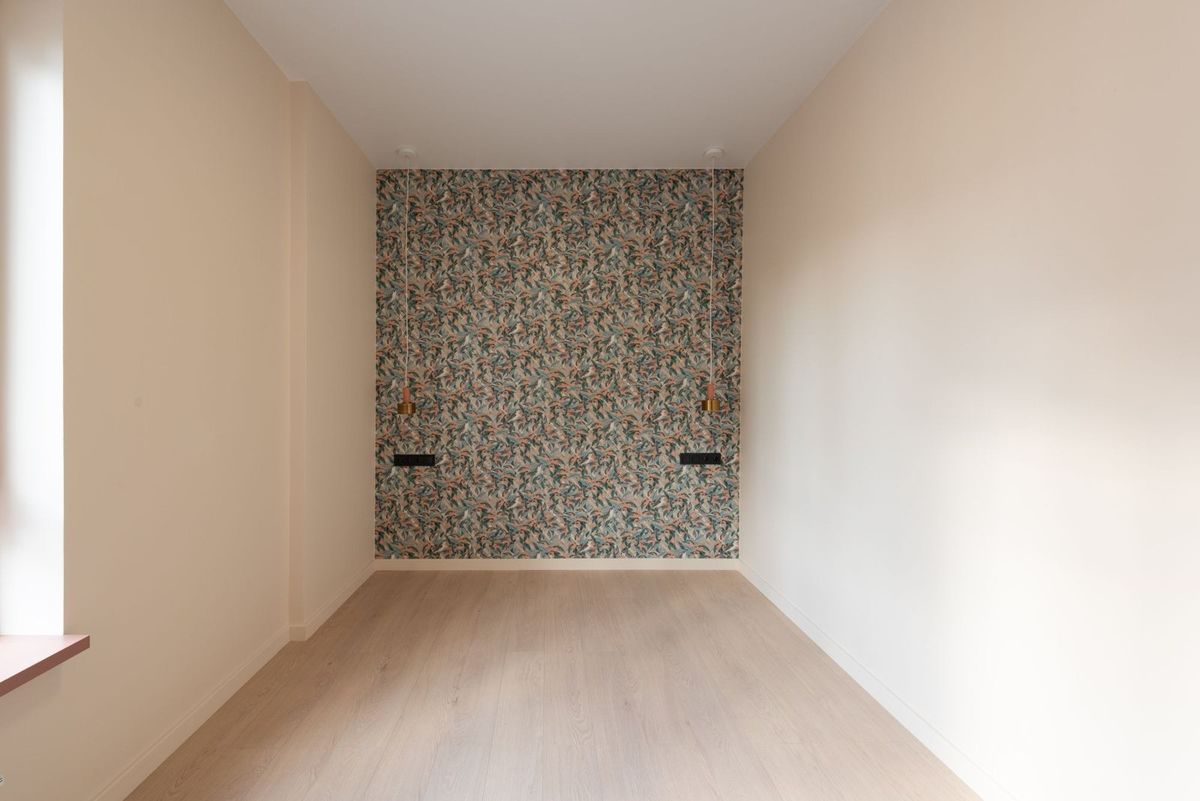
What's the best way to document move-in and move-out photos for a security deposit?
Photograph every room at move-in and again at move-out from the same angles. Keep both sets in your Archive. Use Send Proof so the other party can check the file against its FactLock record.
- 01 Photograph each room at move-in: doorway wide shot, then walls and close-ups.
- 02 At move-out, repeat the same angles after the unit is empty and cleaned.
- 03 Keep both date sets in your Archive so move-in and move-out stay together.
- 04 Use Send Proof to share a .flcproof package together with its unlock key.
- 05 The recipient checks whether the shared file still matches its FactLock record.
What photos should I take in each room?
- Each room, fixture, appliance, and existing wear at move-in
- The same angles at move-out so the two records can be compared
- Keys, meters, or inventory items that later become points of dispute
- Entry / hallway
Door, locks, frames, walls, floors, smoke detectors
- Living areas
Each wall, floor, ceiling, windows, and outlets
- Kitchen
Cabinets in/out, counters, sink, appliances open, under-sink
- Bedrooms
Closets, walls, floors, windows
- Bathrooms
Vanity, toilet base, tub/shower caulk, fan, floor
- Laundry, utility, exterior
If included in the lease
- Meters, keys, and remotes
Lease inventory and handed-off items
Doorway wide shot, then each wall, then close-ups of wear. Empty when you can, and match angles at move-out.
Doorway wide shot, then each wall, floors, ceilings, windows, closets, and close-ups of existing wear. Detail kitchens and bathrooms—cabinets, under-sink, appliances open, tub caulk, toilet base. Include meters, keys, and remotes if they are lease inventory. Empty the unit when you can, and match angles at move-out.
Get FactLockCam
How do I keep move-in and move-out shots comparable?
Shoot the same doorway and wall angles on both dates. Titles help them; they do not rewrite the file bytes.
Same angles, both dates
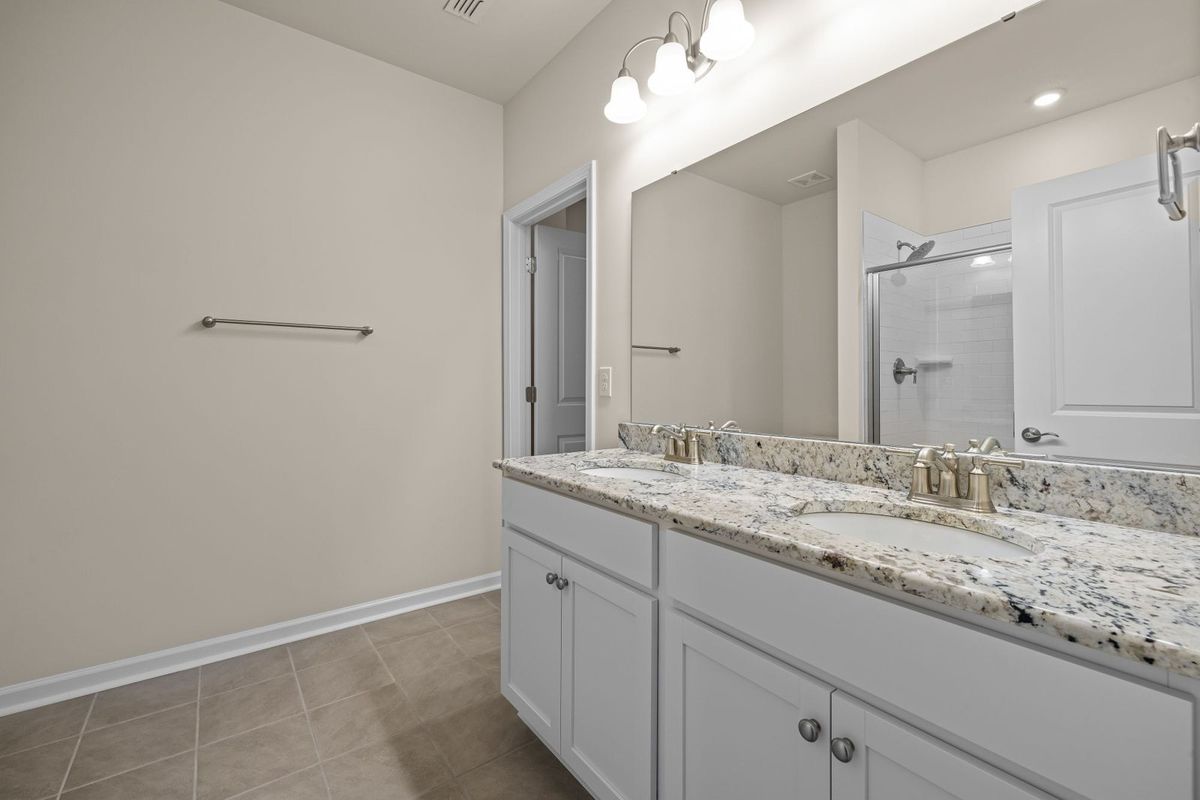
How do I share rental photos so someone else can check the proof?
Send Proof shares the original as one package. The recipient can check that proof free, online, at Open Proof. For larger files, use the Free Mac Proof Utility (the Free FactLockFile Viewer for Mac). Change the file. The match breaks.
Check the proof free online at Open Proof. For larger files, use the Free Mac Proof Utility (the Free FactLockFile Viewer for Mac). To create FactLocks, use FactLockCam on your phone or FactLockFile on your Mac.
Keep them in your Archive, then use Send Proof. The recipient can check that proof free, online, at Open Proof. For larger files, use the Free Mac Proof Utility (the Free FactLockFile Viewer for Mac). A match means the file fingerprint matches the FactLock record—not that a deposit will be returned or that the scene is true.
Do timestamped deposit photos guarantee I'll get my deposit back?
A FactLock match only checks the file against its record.
People often look for timestamped photos for a rental deposit. Ordinary photo timestamps can be changed. FactLockCam is for keeping captures in an Archive and sharing a checkable FactLock record—not for promising a deposit outcome or guaranteeing capture time.
No. Ordinary photo timestamps can be changed. FactLockCam is for keeping captures in an Archive and sharing a checkable FactLock record. Deposit decisions depend on your lease and local rules. No app can promise a deposit outcome or guaranteed capture time.
Staying in a short-term rental as a guest?
If you want check-in photos of the physical room for your own records, the same same-angle habit helps. Hosts documenting a platform damage claim after a stay have a separate guide.
FAQ
What photos should I take at move-in?
Every room from the doorway, each wall, floors, ceilings, windows, closets, and close-ups of existing wear. Detail kitchens and bathrooms. Save the set before furniture goes in.
What photos should I take at move-out?
The same angles as move-in after the unit is empty and cleaned, plus close-ups of anything that changed.
How do I share these photos with a landlord?
Send Proof shares the original as one package. The recipient can check that proof free, online, at Open Proof. For larger files, use the Free Mac Proof Utility (the Free FactLockFile Viewer for Mac). Change the file. The match breaks.
Can a photo timestamp be faked?
Yes. Metadata can be changed. A FactLockCam match checks whether a file still matches its FactLock record; it does not by itself establish capture time or scene truth.
Will these photos get my security deposit back?
No app can promise that. Photos document condition. Deposit decisions depend on your lease and local rules. General information, not legal advice.
Next step
Two dates. One comparable record.
Capture the same rooms at move-in and move-out so both parties can compare like with like.
Tamper-evident Archive · signed record · file check for recipients.
Get FactLockCam
Just one stay or one claim? Get the Incident Pack: 10 FactLocks for $9.99, one time, no subscription. Buy it in the FactLockCam app.
Unused Incident Pack FactLocks don't expire. They stay on your FactLockCam account until you use them. If Apple or Google refunds the pack, or you delete your account, any unused FactLocks are removed.
Works with or without a subscription.
Try it first: sign in and get 5 FactLocks at no cost, enough to try it on your next check-in. No purchase needed.
One claim? 10 FactLocks for $9.99, no subscription.
Plan details and pack options are on the pricing page.